Makermint vs Rosebud AIRead the guide
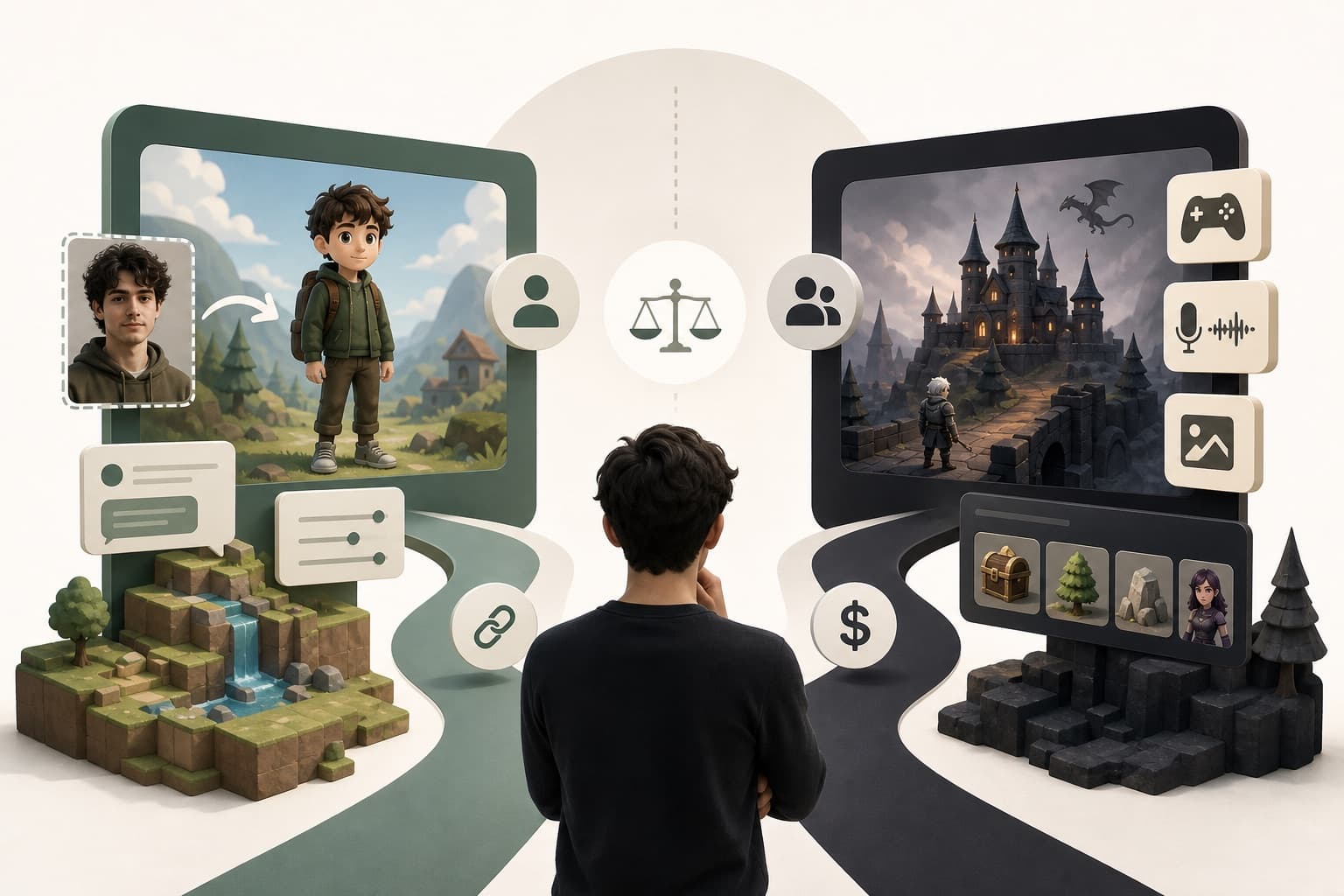
Godot gives you full control over your engine. Makermint gives you a playable 2D game in minutes, from a sentence you type.
or play one first: SpaghettiflyWickwardenChromavoid
Key takeaways
Godot is a free, open-source engine for building 2D and 3D games, with scripting in GDScript, C#, or C++. It asks you to learn its editor, its node system, and a programming language before you can ship anything. Makermint asks for a sentence instead: describe the 2D game you want, and Makermint builds a playable version in minutes, in your browser, with visuals handled for you. Godot suits people who want to build the whole game themselves; Makermint suits people who want a shareable game fast.
Godot is a free, open-source game engine built and maintained by a community, with no corporate owner. It covers both 2D and 3D game development, with a dedicated 2D renderer and its own node-based scene system. You script Godot games in GDScript, its own Python-like language, or in C# or C++, and export to desktop, mobile, and the web, with console releases available through third-party publishers. It has grown quickly among independent developers who want full control over their engine without a licence fee.
Upload a clear, front-facing photo and Makermint casts you as the playable character, in a game it builds for you or one you pick from the showcase. We didn't find a comparable feature in Godot's documentation; in Godot, that character art is something you'd draw or commission yourself.
Ask for changes in plain language and play the next version right away. In Godot, the same change means opening the scene tree, editing a script, and re-running the project yourself.
Every finished game gets a share link so others can play it in a browser right away. Godot games need an export step and hosting before anyone else can play them.
| Feature | Makermint | Godot |
|---|---|---|
| AI game generation | Yes | Not documented |
| No-code creation | Yes | No |
| Photo casting | Yes | Not documented |
| Visuals handled for you | Yes | You source or create your own |
| Open source | No | Yes |
| 2D and 3D support | 2D only | 2D and 3D |
| Platform export | Web (share link) | Desktop, mobile, web; consoles via publishers |
| Time to first playable game | Minutes | Commonly weeks to months |
| Price | Free (early access) | Free (MIT licence, no fees) |
Choose Makermint if you want a playable 2D game from a sentence, without learning an engine, and a link to share the moment it's ready. It's a good fit if you'd rather describe changes in plain language than edit a scene tree, and you don't want to source or draw the art yourself.
Yes. Godot is free and open source under the MIT licence, with no fees or revenue-sharing. Makermint is also free during early access.
Yes, in practice. Godot supports GDScript, C#, and C++, and building game logic means writing scripts in one of them. Makermint skips scripting: you describe the game in plain language and play the result.
No, Makermint makes 2D browser games. Godot supports both 2D and 3D, so it's the better choice if your project needs 3D.
Godot's documentation doesn't describe a feature for this, so you'd need to create or commission that character art yourself. Makermint can cast a clear, front-facing photo of you as the playable character, when a face is detected.
Learn Godot if you want to build and ship a full game yourself, in 2D or 3D, with total control over the engine. Use Makermint if you want a playable 2D game from a sentence and a link to share it this week.
Yes, Makermint is free during early access.
More guides and comparisons
Describe it in a sentence, or start from a showcase game. See why creators try Makermint alongside Godot. Free during early access.