Makermint vs Rosebud AIRead the guide
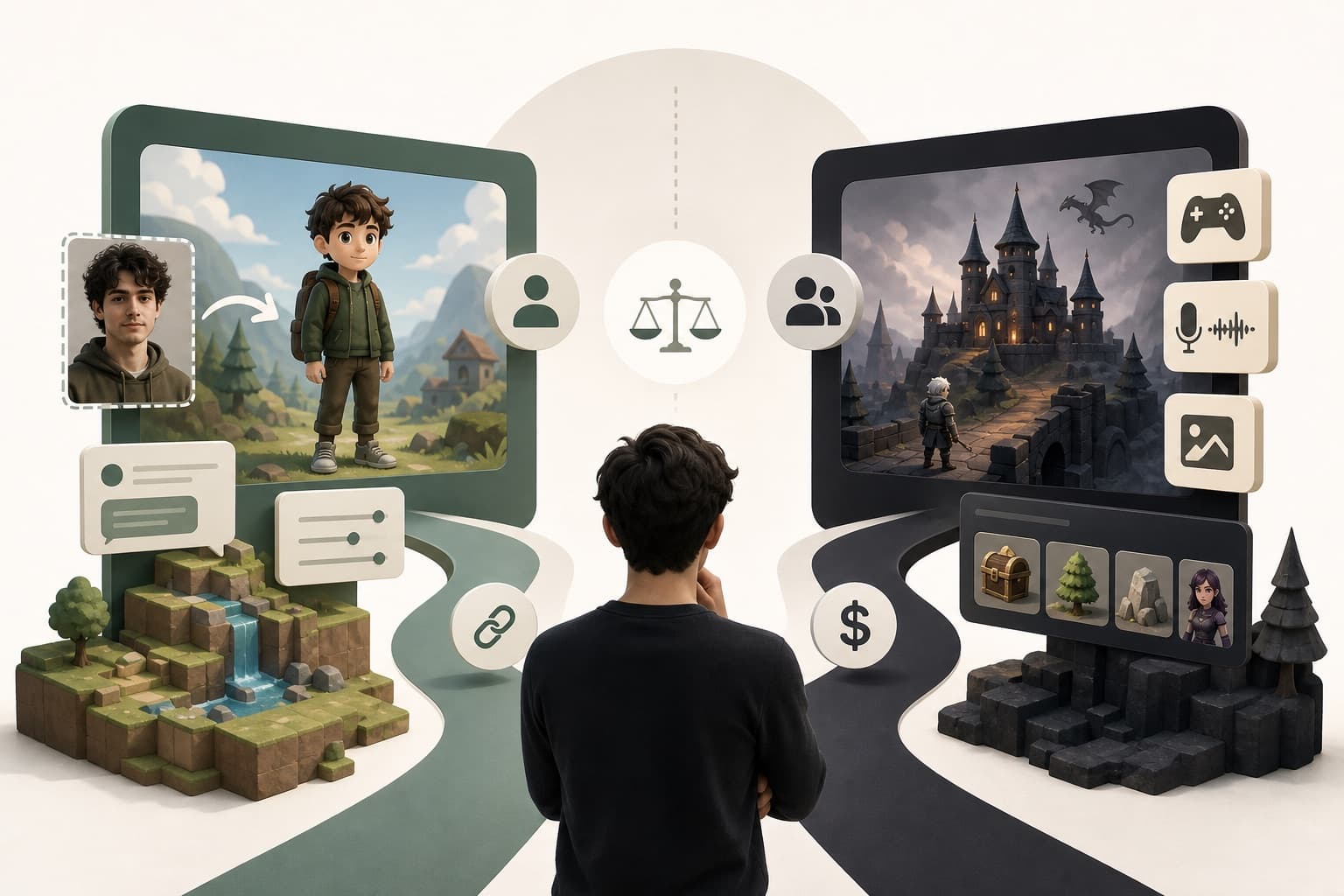
ChatGPT can write the code. Makermint turns a description into a playable 2D game with a link to share.
or play one first: SpaghettiflyWickwardenChromavoid
Key takeaways
ChatGPT can write game code when you ask for it, but you still have to set it up, host it, and handle the art yourself. Makermint takes a plain-language description and gives you a playable 2D browser game with the visuals handled and a link to share.
ChatGPT is OpenAI's general-purpose conversational AI, built for writing, research, code, and answering questions across almost any topic. Ask it for a game and it will write code for one, in whatever language or framework you choose. It's a chat interface first: you read its answers, copy what you need, and take it from there yourself.
Upload a clear, front-facing photo and Makermint casts you as the playable character, in a game it builds for you or one you pick from the showcase.
Ask for changes in plain language and play the next version. No project files to manage between turns.
Every finished game gets a share link you can send or publish to the Makermint community, with the visuals handled for you.
| Feature | Makermint | ChatGPT |
|---|---|---|
| Playable browser game from a plain-language description | Yes | Writes the code; canvas can preview it |
| Code generation through conversation | No | Yes |
| Visuals handled for you automatically | Yes | general image generation, not game-specific |
| Hosting for the finished result | Yes | You arrange your own |
| One-click share link when you're done | Yes | Share the code or a canvas preview |
| Play as yourself via photo casting | Yes | Not documented |
| General-purpose chat for any topic | No | Yes |
| Free to use | Yes | Yes |
You want a playable 2D game from a description, with the visuals handled and a link to share, without writing or running code yourself.
Yes, ChatGPT can write game code when you ask for it. What you get back is code rather than a hosted game, so you handle the setup, hosting and visuals yourself.
ChatGPT is built for conversation and code across any domain, not games specifically. Makermint is built around games: describe one in plain words and get a playable browser game in minutes, with the visuals handled and a link to share.
Makermint doesn't publish which models power it, and they change as better ones ship. It's built specifically for turning a description into a playable 2D game, not as a wrapper around any one chat assistant.
OpenAI's site describes a free plan for everyday conversations and writing help, with paid Plus and Pro tiers for higher usage limits. Makermint is free during early access.
Not with ChatGPT. We have not found a photo-casting feature for games in ChatGPT's documentation. Upload a clear, front-facing photo to Makermint and it can cast you as the playable character in a game it builds for you or one you pick from the showcase.
More guides and comparisons
Describe it in a sentence, or start from a showcase game. See why creators try Makermint alongside ChatGPT. Free during early access.